What to Actually Put on Your Homepage: 6 Must-Have Sections to Help You Sell
Knowing what to put on your homepage, whether you're creating a new one or updating your existing one, can be a bit of a head-scratcher.
What actually needs to be on there? In what order? How much is too much?
You've probably looked at a few other websites for inspiration. Maybe pieced together bits from different examples. Tried to figure out what feels right.
And that's totally okay, but it can leave you wondering: "Is this actually working? Am I missing something important?"
Here's the thing: there's a simple structure that works beautifully for service providers.
Six core sections that help your homepage do its job; explain what you do, who you help, and guide visitors towards working with you.
You don't need to use every single section. Pick what feels right for you, and take it one tiny step at a time.
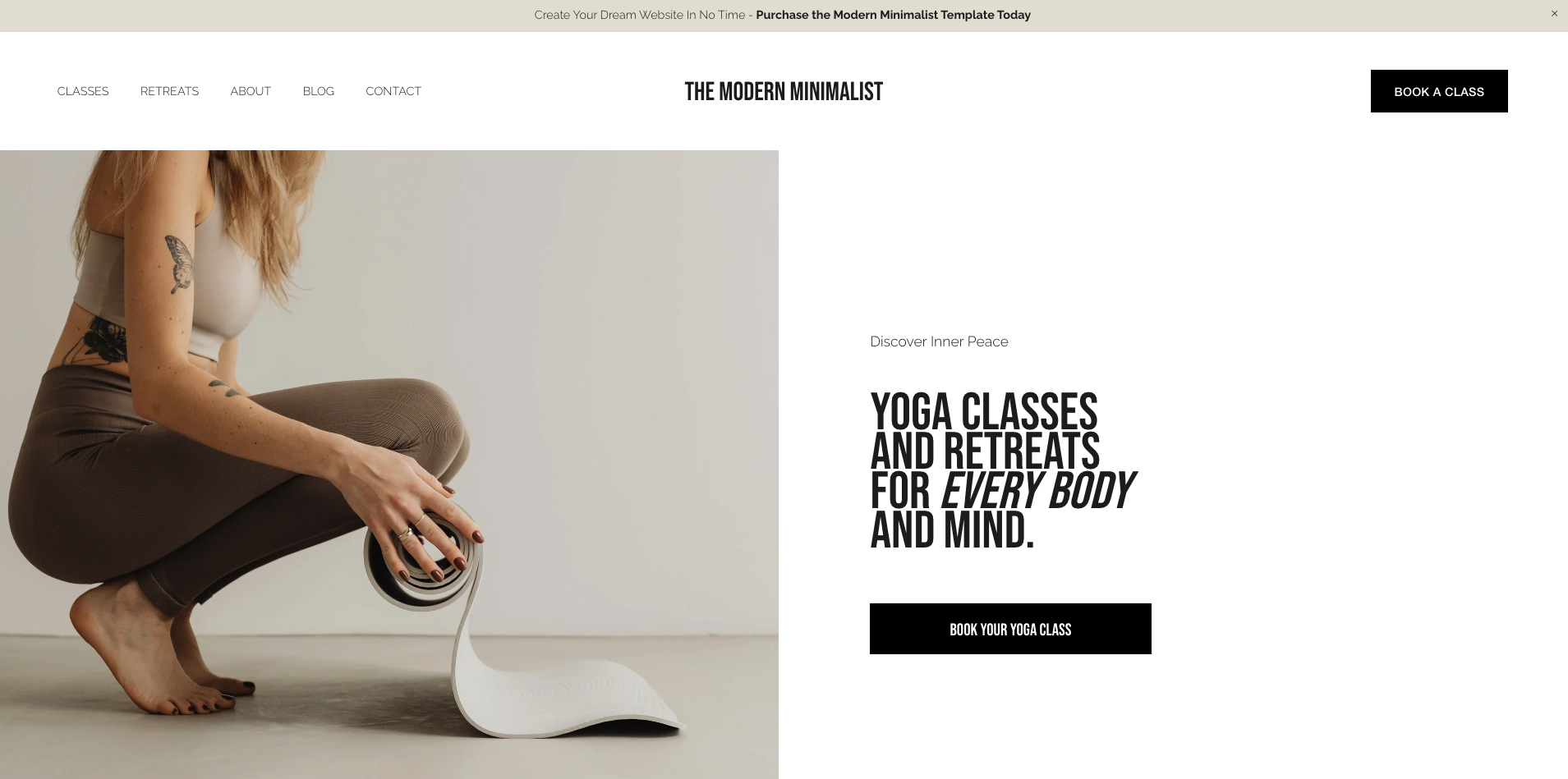
1. Hero Section (Top of the Page)
A clear, client-focused intro that explains what you do + who it's for.
The top 'hero' bit. This should explain what you do / who you help in one short sentence. It's great for search engine optimisation AND your potential clients.
This is the first thing visitors see when they land on your site. Within about three seconds, they need to know: "Is this for me?"
Use this as a guide:
I help [who] [achieve/do/feel what] through [your method, approach or offer].
Example:
"I help busy women rebuild their strength and confidence through simple, supportive Pilates sessions—in person or online."
What to include:
One clear headline using the formula above
A primary call-to-action button (Book now / Explore services / Start here)
Optional: A supporting line like "Think of this as movement that feels good, not overwhelming"
Why it matters: If visitors can't immediately tell what you do and who you help, they'll leave. This section keeps them on your site and helps Google understand what you offer.
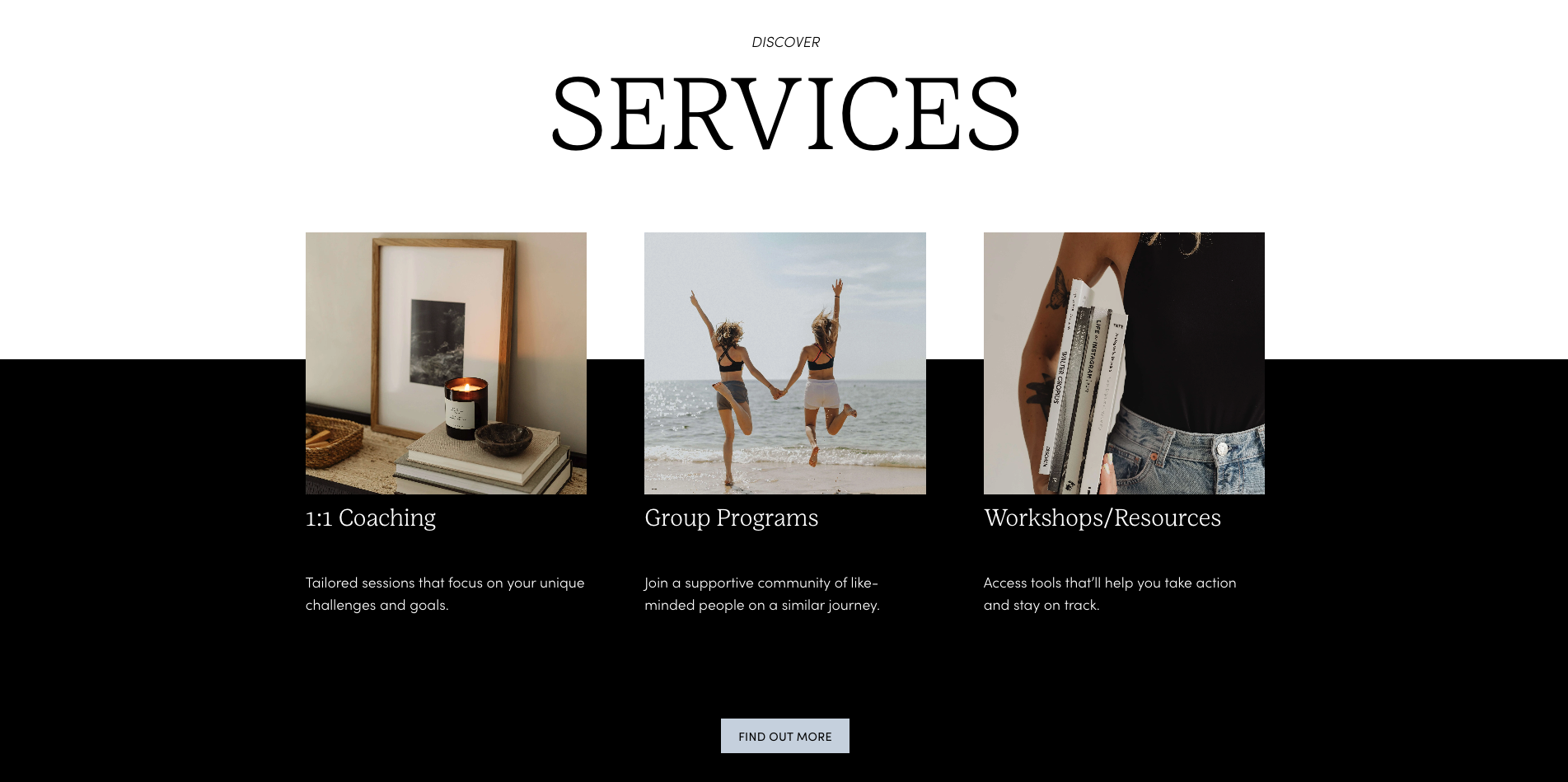
2. Ways to Work with You (Services Summary)
An at-a-glance summary of your services so people can get a quick idea of what you do before clicking through to find out more.
Once someone knows what you do, their next question is: "How do I actually work with you?"
This section gives them the answer without overwhelming them with every detail.
Keep it short and sweet here—you can have the details on your services page.
For each service include:
Service name
One-line benefit: "This is for you if..."
CTA: "Learn more" or "Explore"
Example:
1:1 Coaching
Personalised support to help you feel stronger, clearer and more grounded day-to-day.
→ Learn more
Workshops
Monthly themed classes to help you unwind, reset and reconnect.
→ See dates
Why this section matters: People make decisions differently. Some want to dive deep into one option first. Others want to see all their options. This section helps both.
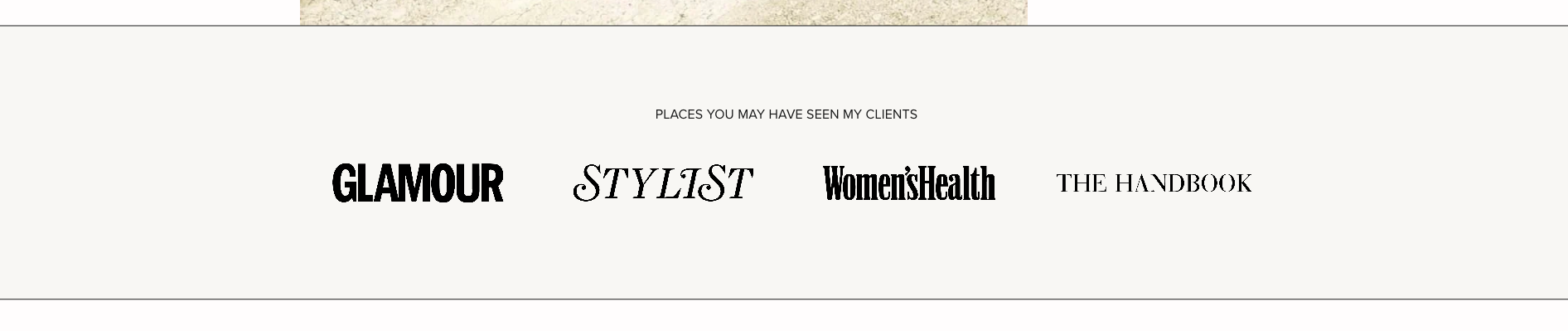
3. The Braggy Bit
I know it feels totally awkward but this is your chance to show off, and honestly, it really helps people know more about you and what you've achieved.
This could be an "as seen in / featured by / trained with" section. It could have statistics about you, your training, how many people you've helped. Or it could be an amazing client testimonial.
What you could include:
Press logos (Glamour, Stylist, Women's Health, etc.)
"As seen in / Featured by"
"Trained with..."
Numbers: "Helped 500+ women feel stronger"
Awards or certifications
Keep it simple:
Even just a row of publication logos or one impressive stat works.
Example:
"Places you may have seen my clients:"
[Publication logos]
Or:
"Featured in: Women's Health, Stylist"
"Trained with [notable instructor/programme]"
Why this section matters: It builds credibility. It shows you're legitimate, experienced, and trusted by others. Don't skip this just because it feels awkward—it genuinely helps people feel confident about working with you.
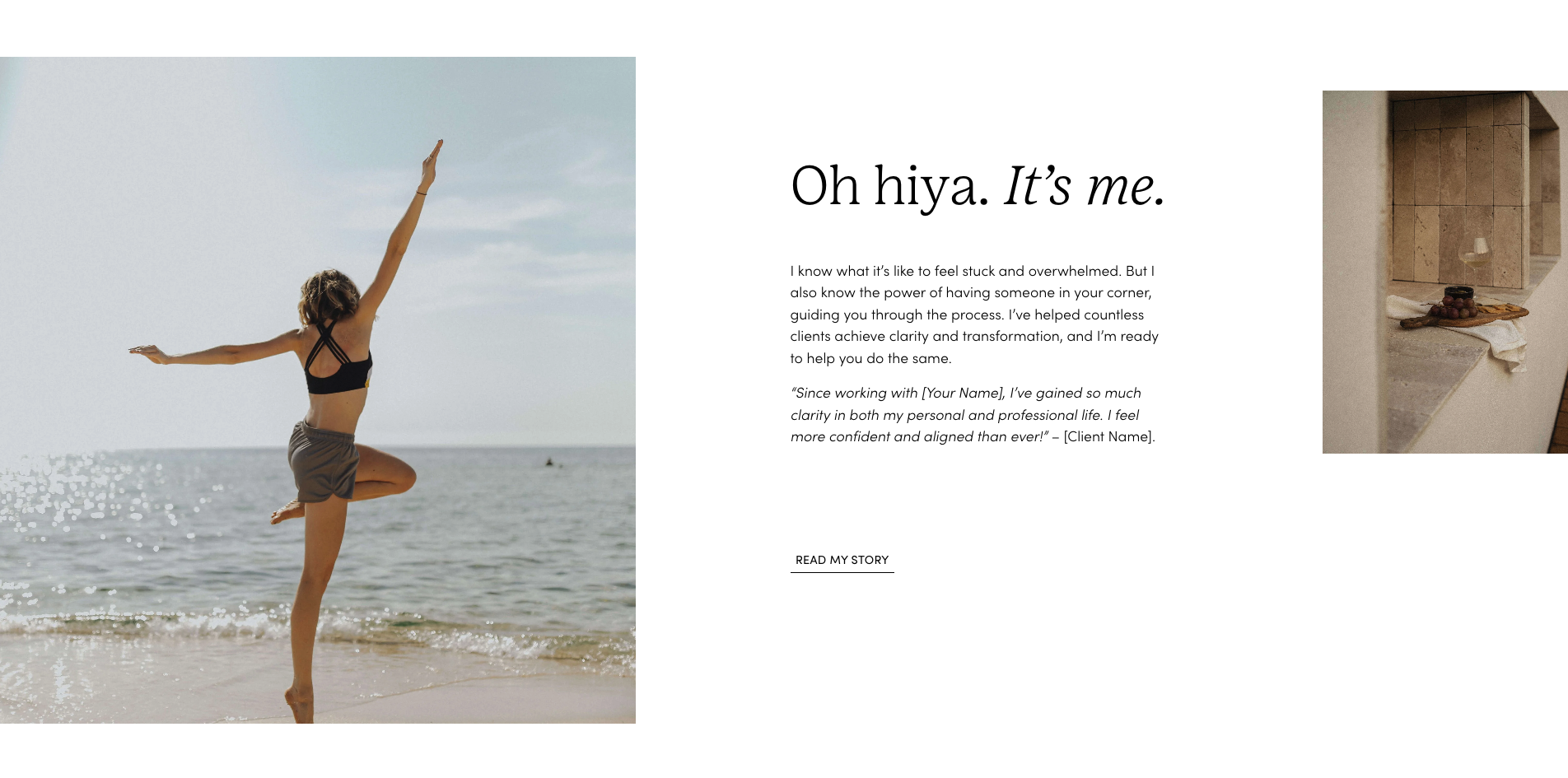
4. About You
Just the short version here (kinda like a trailer), rather than your life story!
A couple of short paragraphs about you that can help your dream clients relate to you and understand why you're the one they want to work with.
What to include:
Hi, I'm [name]—[what you do + your approach] in one sentence.
I'm here to help you [desired outcome] through [your method/philosophy].
Example:
"Hi, I'm Emma—a Pilates teacher who believes movement should feel soothing, not stressful.
I'm here to help you feel stronger, calmer and more connected to your body."
→ Read my story
Why this section matters: People want to know there's a real person behind the business. Keep it relatable and warm. Save the full story for your About page.
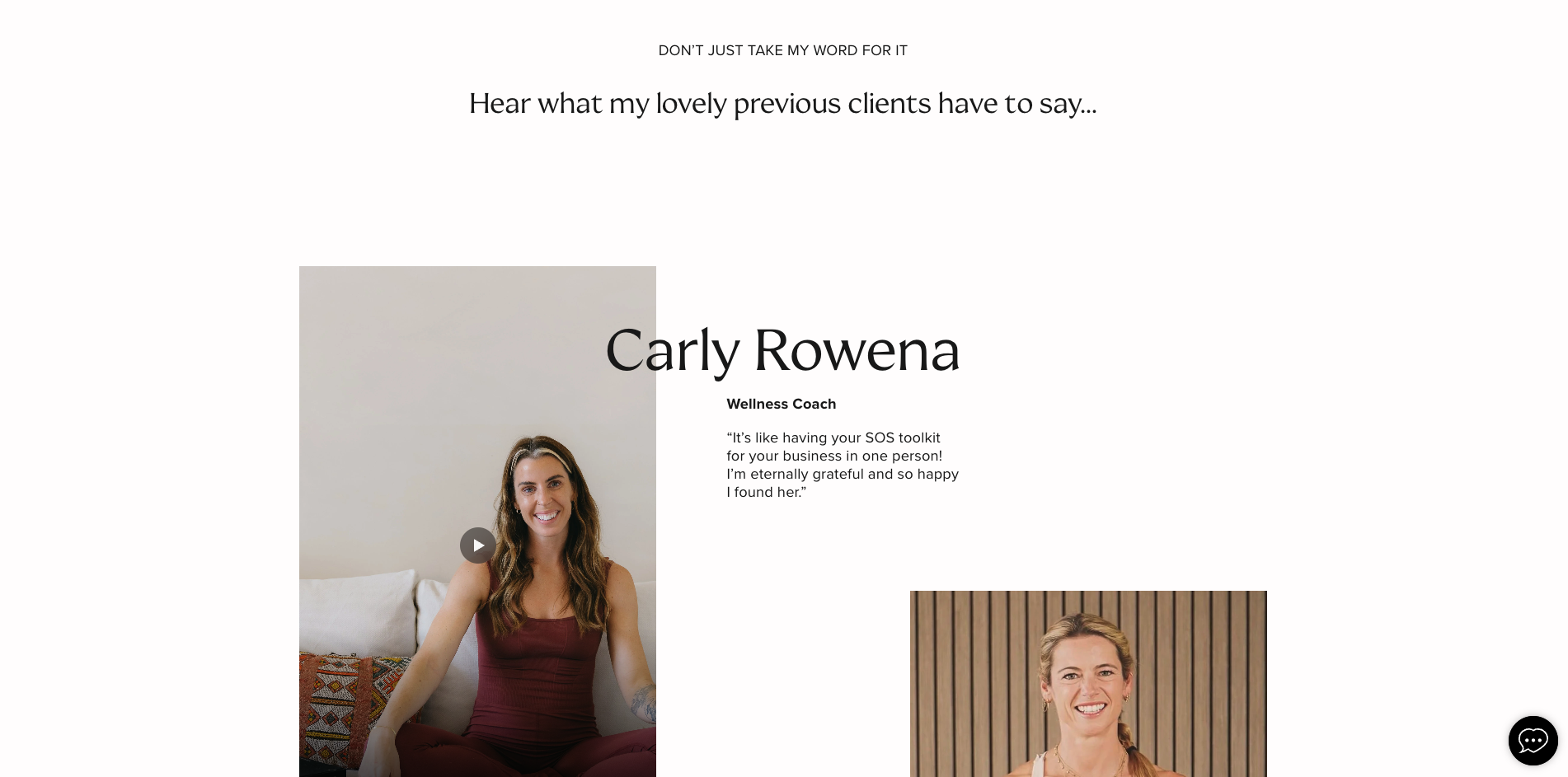
5. Testimonials
Grab all those nice things clients have said about you and put them on your homepage.
This will give potential clients an idea of what it's like to work with you and how you've helped other people already. It builds confidence.
Just pick your 1–3 most emotive lines.
Simple template:
"[What they were struggling with]... and now [what changed]."
Example:
"I used to dread workouts—now I actually look forward to them. Emma made everything feel simple and possible again."
(Bonus points if you can add photos of previous clients!)
Why this section matters: Testimonials are incredibly powerful. They show real results from real people. Don't just have one testimonial tucked away on a separate page—put your best ones right here on your homepage.
6. Final Call to Action
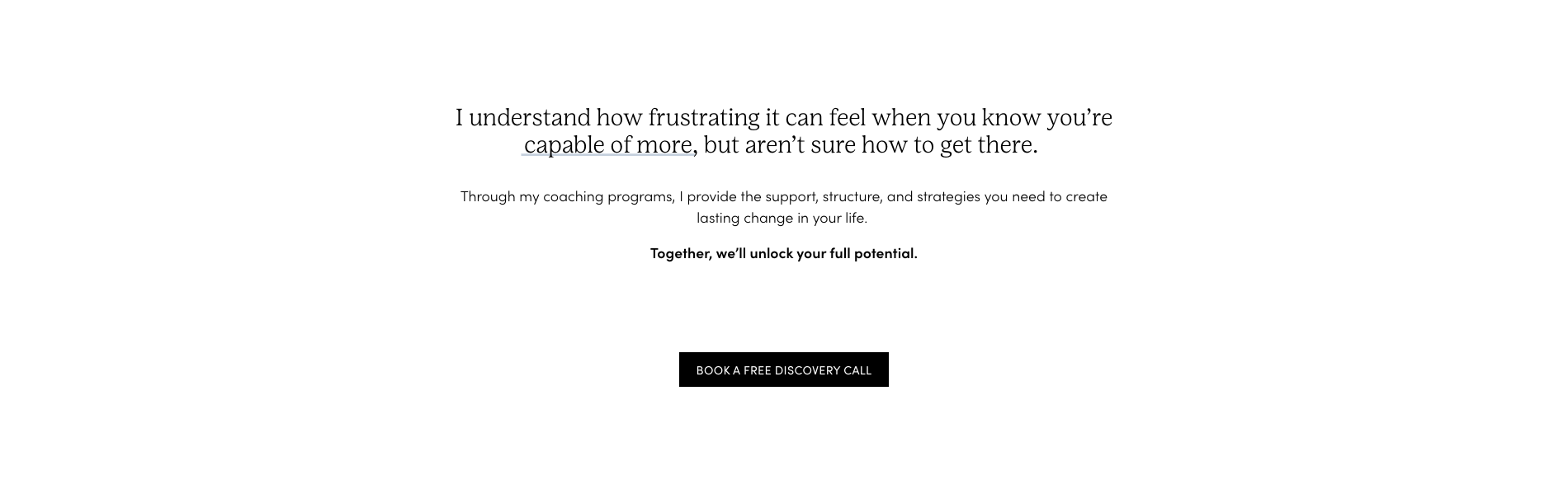
Give people one clear next step.
This one's for the scrollers! The ones who want to read every section on your homepage before doing anything else.
Give them a final route to find out more / take the next step.
Simple template:
Ready to [desired outcome]?
→ [CTA button]
Example:
"Ready to feel stronger and more grounded?
→ Book your first session"
Why this section matters: By this point, they've decided if they're interested. Make it easy for them to take action—don't leave them wondering what to do next.
Putting It All Together
Your homepage doesn't need to include every single section above.
Pick the ones that feel right for you and your business. Make them your own.
The goal isn't a perfect homepage. It's a clear homepage that helps the right people understand what you do and how to work with you.
And remember: you don't need to use every section. Pick what feels right, and take it one tiny step at a time.
Want Help Planning Your Homepage?
I've created a free Website Planning Workbook that walks you through exactly what to include on your homepage (and every other page on your site).
It includes templates for each of these sections, plus prompts to help you write your services pages, about page and more.
It's a simple, supportive structure to help you write a homepage that feels clear, welcoming and genuinely you.